
GUIDES
Car Wrap Shop Website: 6 Pages That Turn Visitors into Quote Requests
People who find your shop on Instagram or Google Maps will check your website before they reach out. If they can't tell what you do, whether you can handle their car and roughly what it costs, they leave. These six pages answer those questions in order, and turn visitors into quote requests.
Updated: October 21, 2026
Marketing, sales & color consulting1 min read
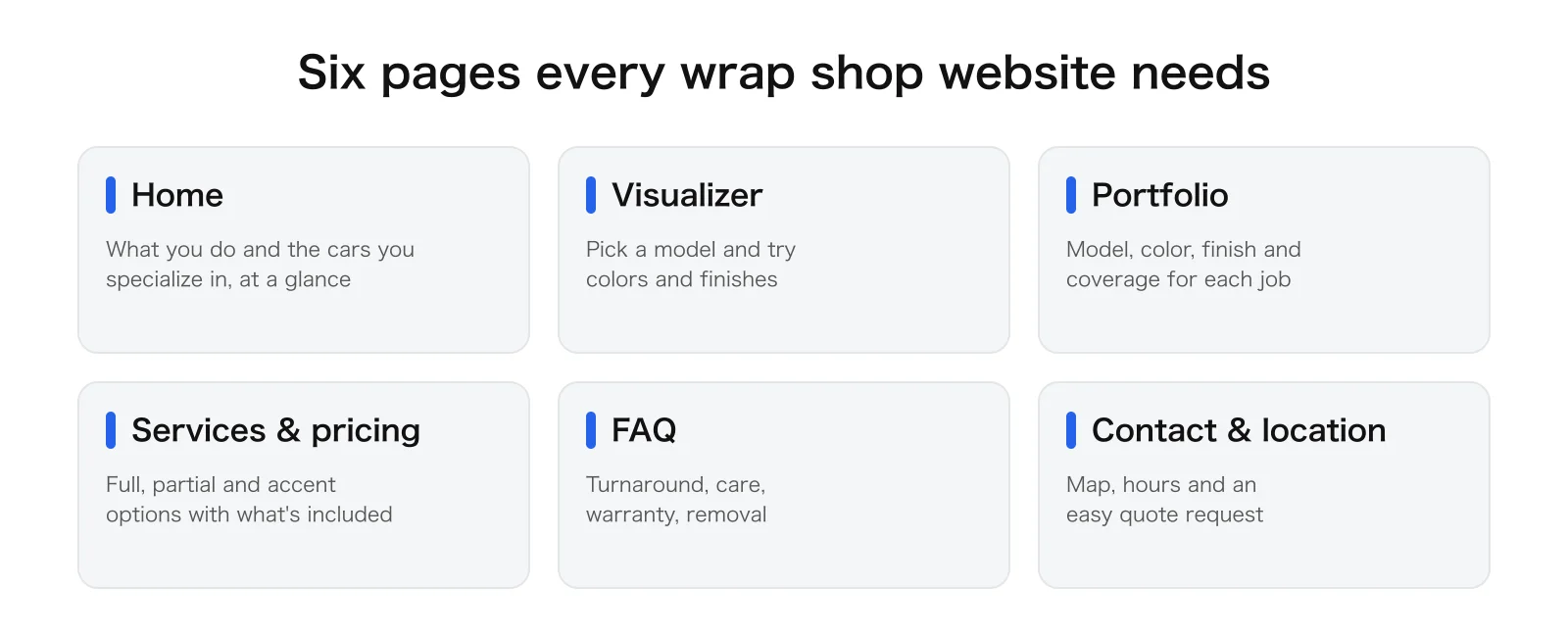
The six pages
More pages isn't the goal. The goal is answering a visitor's questions in the order they ask them. The visualizer page is the one most sites lack, and it's often what tips a visitor into requesting a quote.
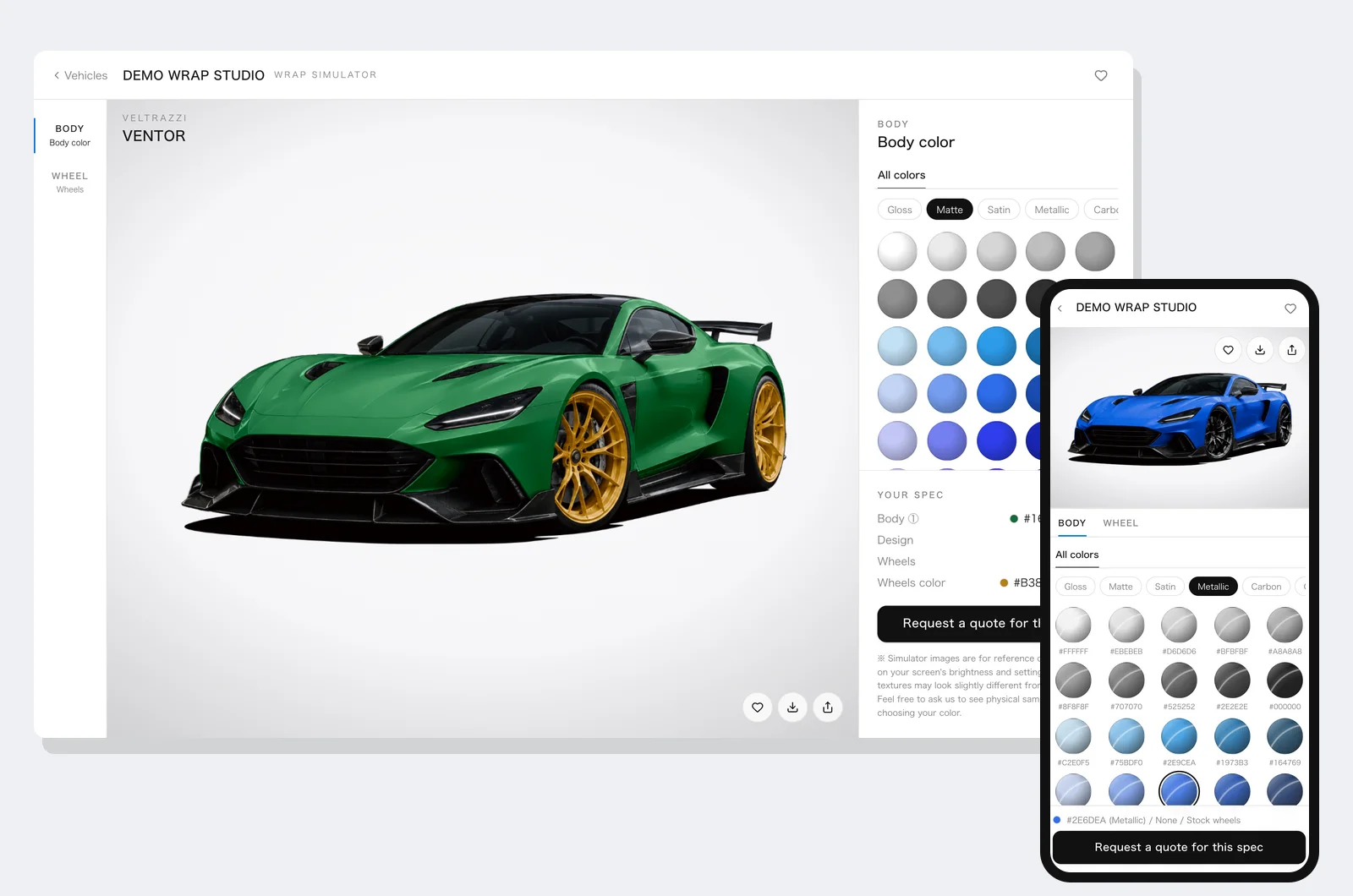
Home: show what you do at a glance
Lead with your best work and the vehicles you specialize in. A supercar specialist and a van specialist should have very different hero images.
- Hero image: your specialty vehicles, best installs or your shop
- Headline: who you serve and what you do, in one line
- Directly below: vehicle list or a link to the visualizer
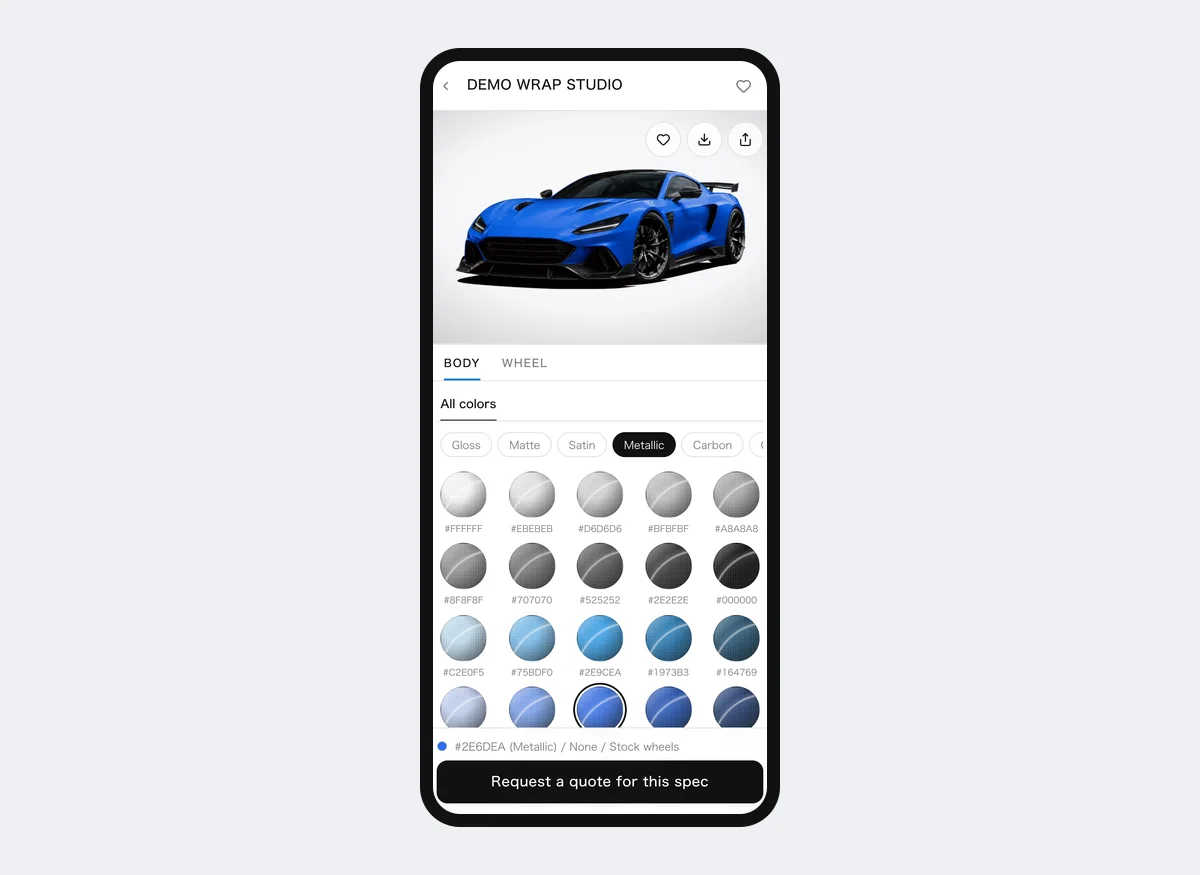
Visualizer: let visitors try colors
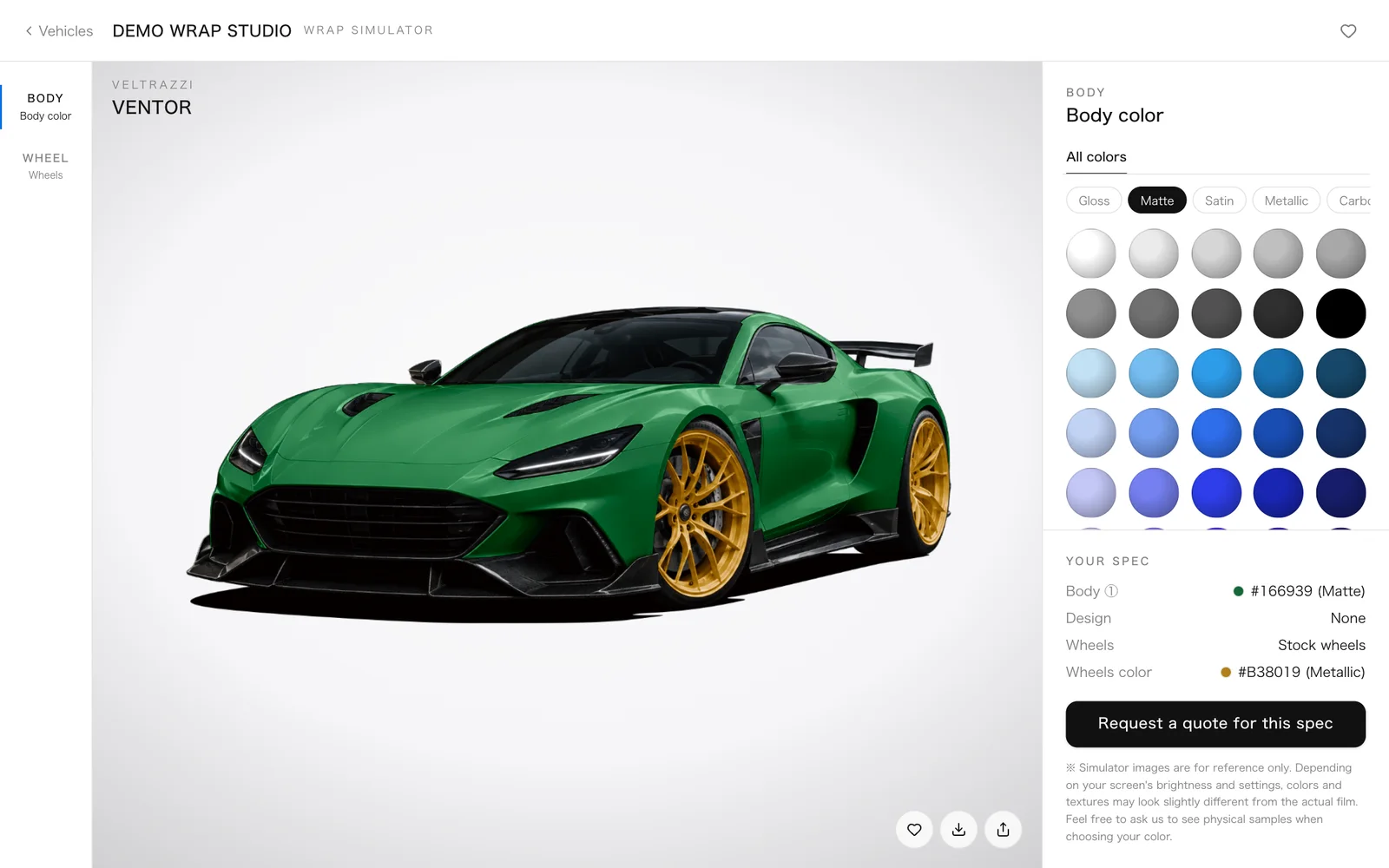
After browsing your work, visitors want to know how their car would look. A visualizer answers that instantly, and lets them request a quote for the exact spec they built.
Portfolio, services, FAQ and contact
Portfolio
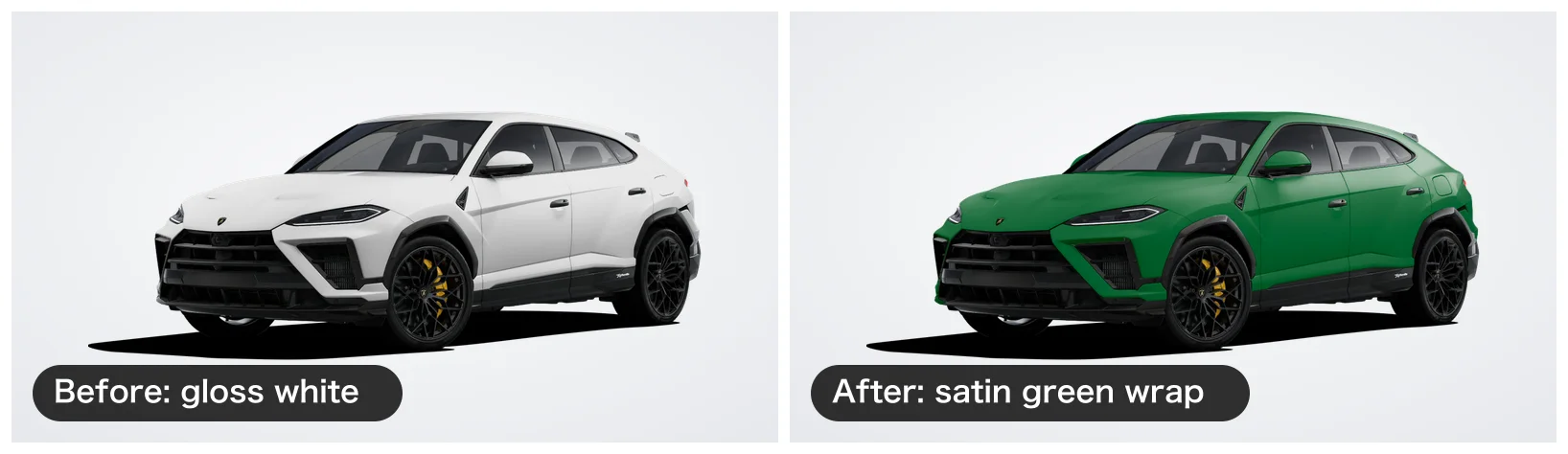
List the model, color, finish, coverage and turnaround for every job. Before-and-after shots from the same angle are especially persuasive.
Services and pricing
Exact prices depend on the vehicle, but "from" prices plus the factors that change them (door jambs, disassembly) lower the barrier to asking.
FAQ and contact
Answer the questions you hear every week: turnaround, care, warranty and removal. Add a map, hours and parking information.
Match the design to your shop
Your site should feel like your shop and your Instagram. In Simulator Studio you pick a theme, then set your logo, brand colors, fonts and background. Additional pages such as services or portfolio can be added from the dashboard.
Build a branded visualizer site for your shop. Free for 14 days.
FAQ
- Q. What pages does a wrap shop website need?
- A. At minimum: home, portfolio, services and pricing, and contact. Adding a visualizer page where visitors can try colors on their own model makes inquiries much more likely.
- Q. Should I publish prices?
- A. Exact prices depend on the vehicle, but "from" prices and the factors that change them help visitors feel comfortable asking for a quote.
- Q. Can I add a visualizer to my existing website?
- A. Yes. Link to your simulator's own URL, or on Standard and up, embed it directly into a page on your site.