
GUIDES
The Same Wrap Color on Different Vehicle Types: What Changes and How to Sell It
"But what will it look like on my car?" Customers struggle to commit when every example they see is a different model. The same film looks different on different shapes, because surface area and curves change how light falls. Here's the same matte grey on six vehicle types, and what that means for your recommendations.
Updated: October 21, 2026
Marketing, sales & color consulting1 min read
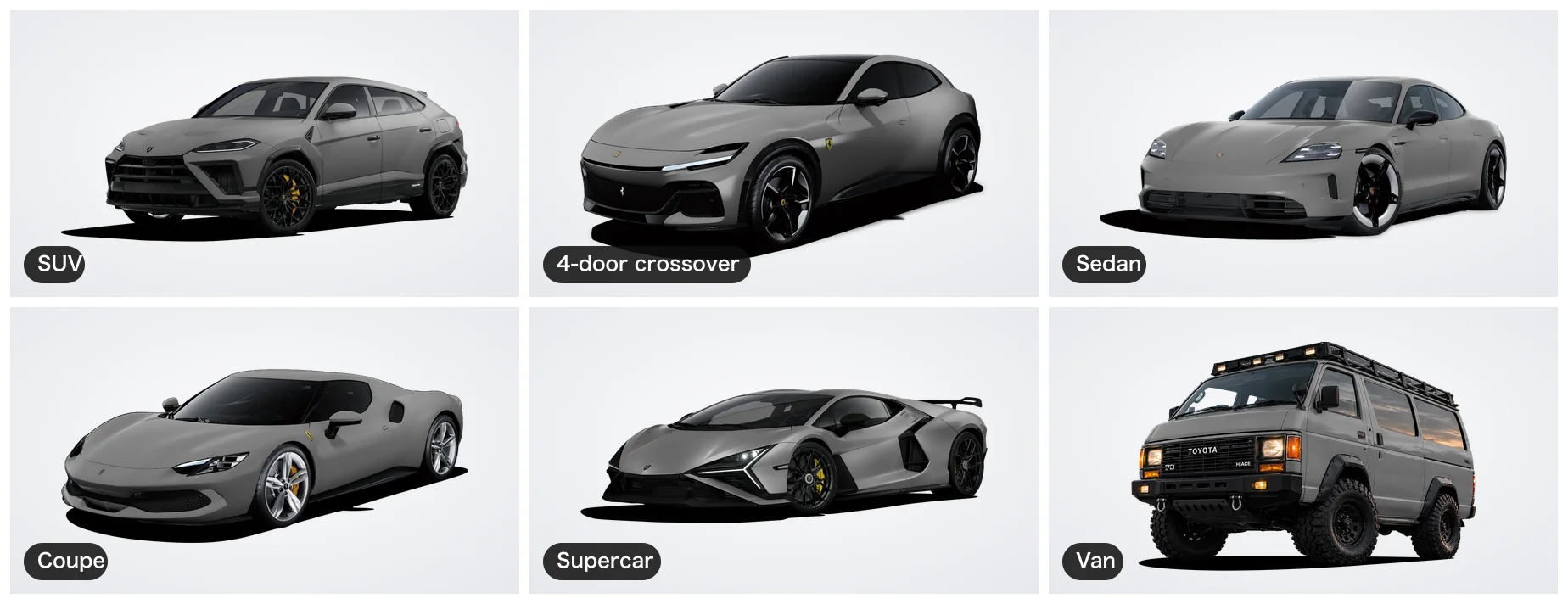
Why the same color looks different
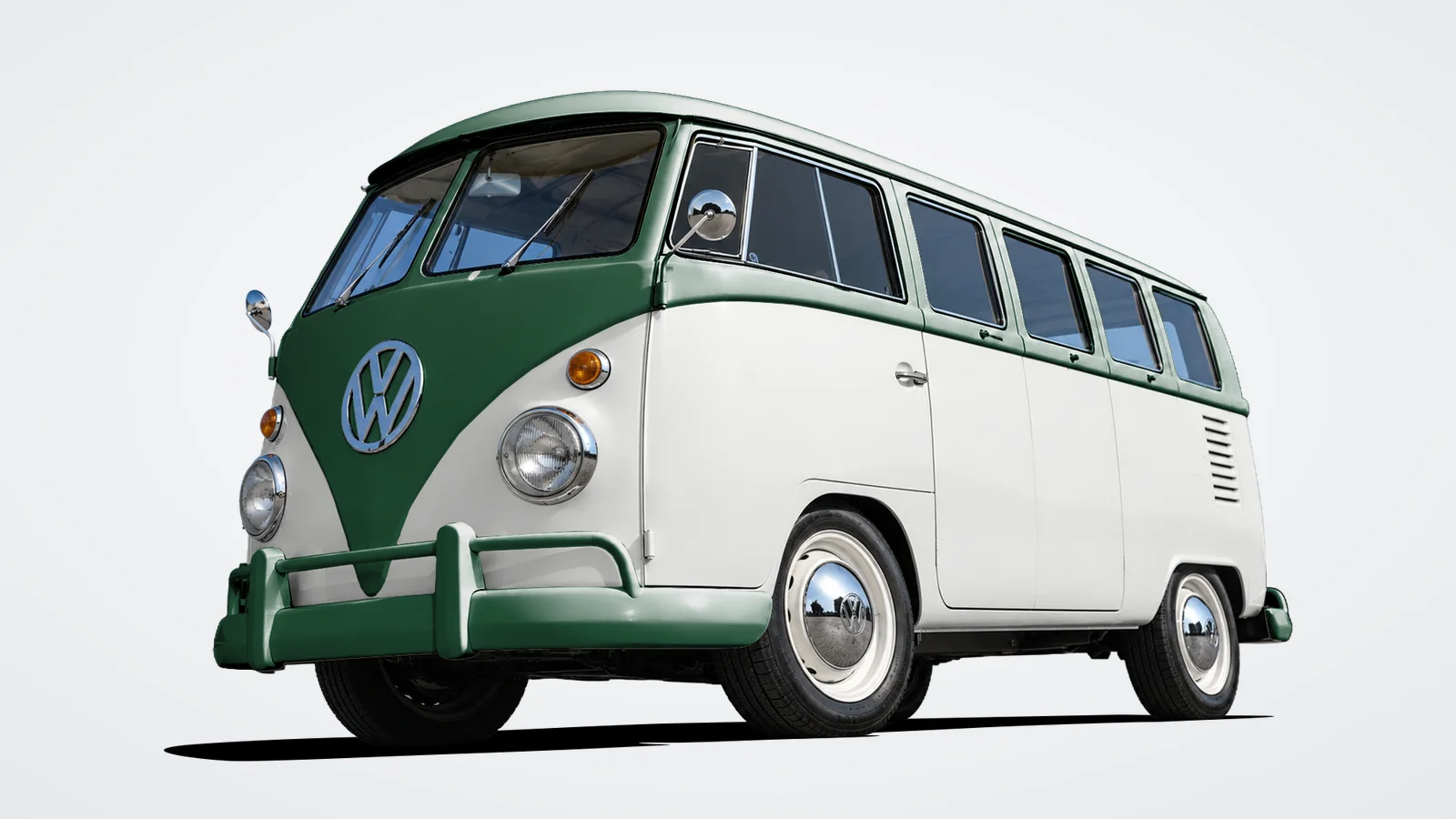
Every car in the image above wears the same matte grey. Yet the SUV and van read as "grey", while the supercar and coupe show strong light and shadow across their curves.
- Surface area: large flat panels make the color itself dominant
- Curves and edges: the more shape, the more the finish shows
- Trim: blacked-out parts and grilles change how the color reads
What to recommend by vehicle type
| Vehicle | How color reads | Easy recommendations |
|---|---|---|
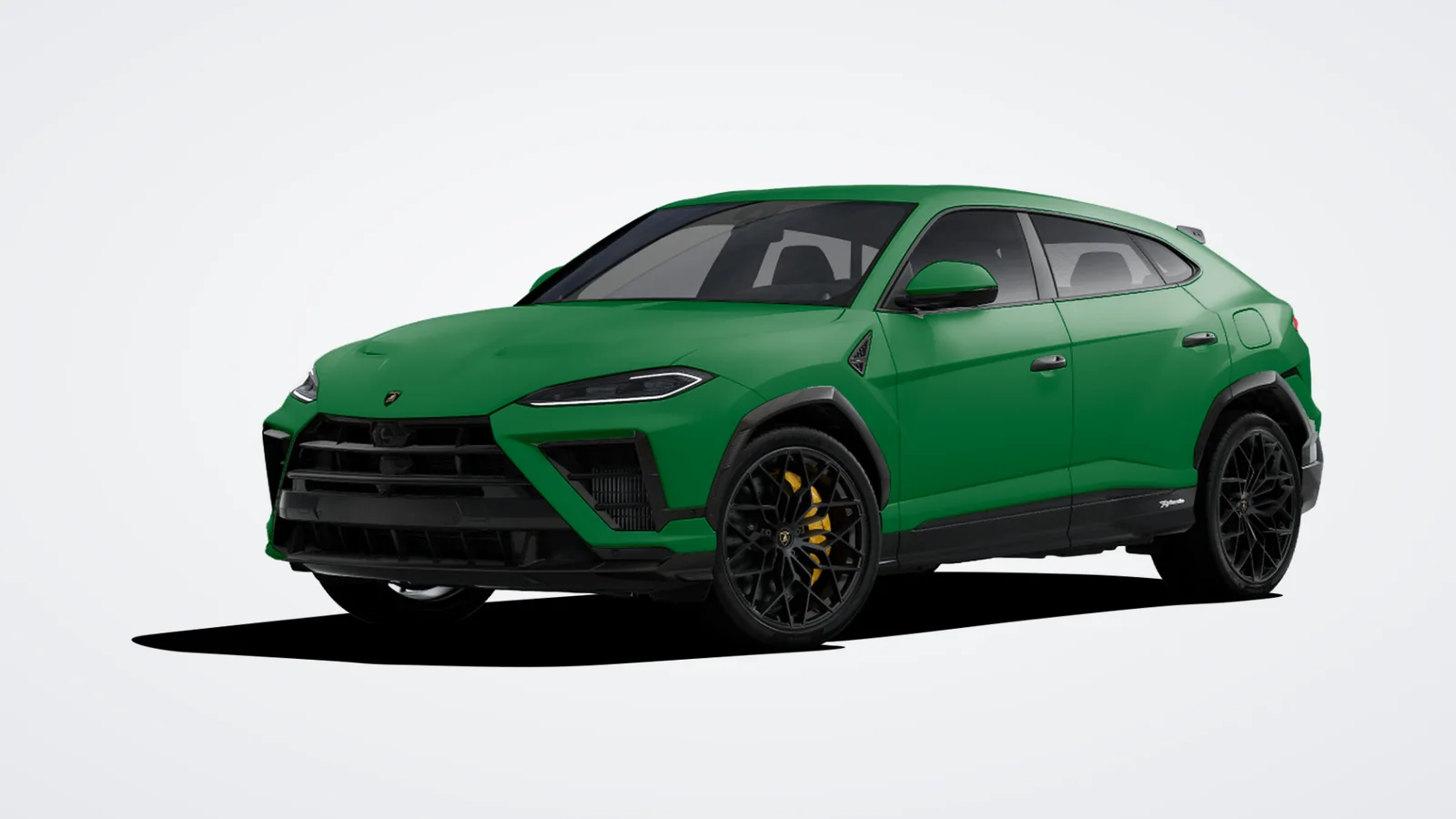
| SUV | Big panels, strong color presence | Matte or satin neutrals, contrast roof |
| Sedan | Elegant lines | Gloss or metallic for a factory look |
| Coupe / sports car | Curves highlight the finish | Satin or matte, stripes and accents |
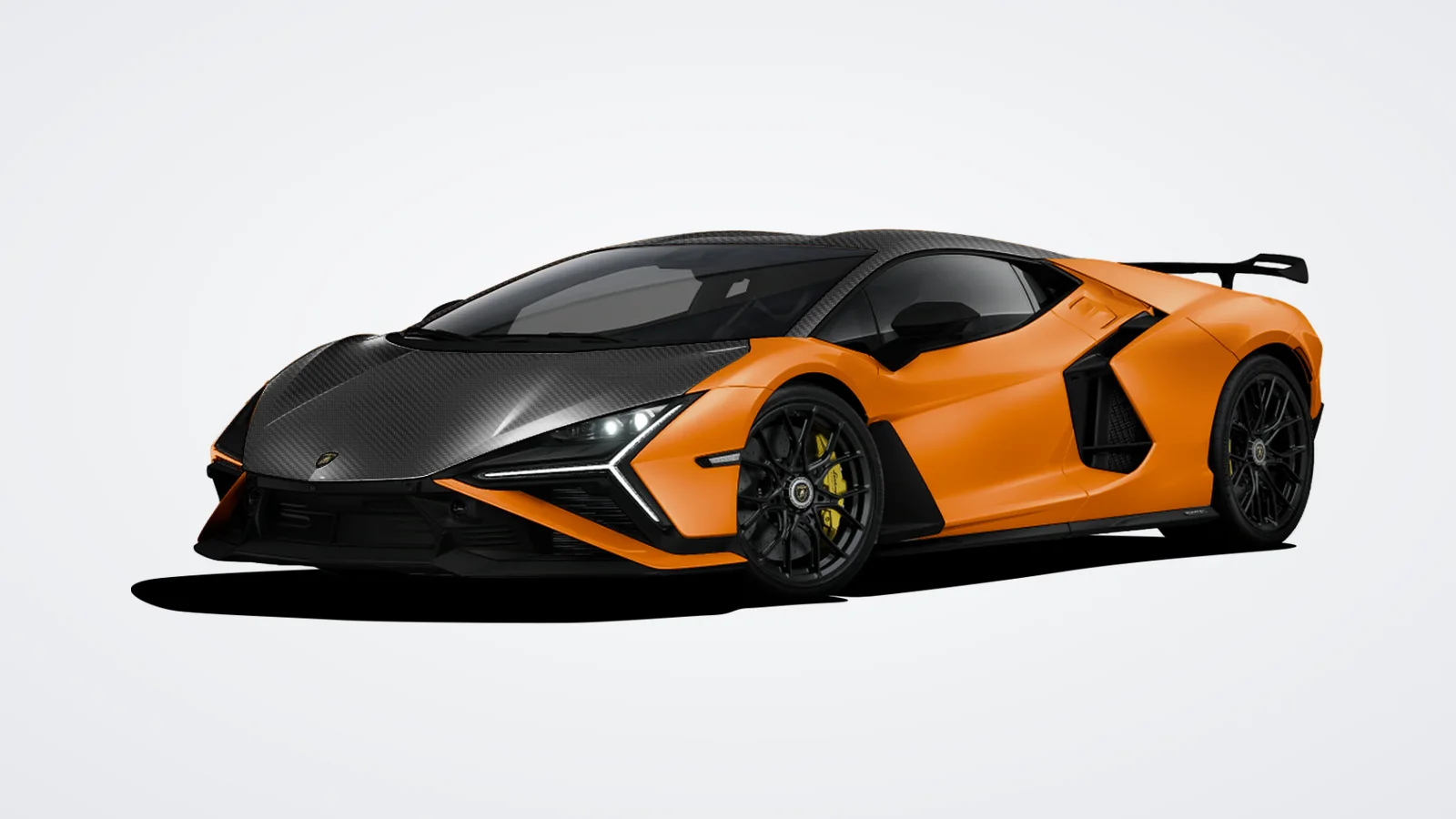
| Supercar | Sharp edges, strong light and shadow | Bold colors, carbon hood and roof |
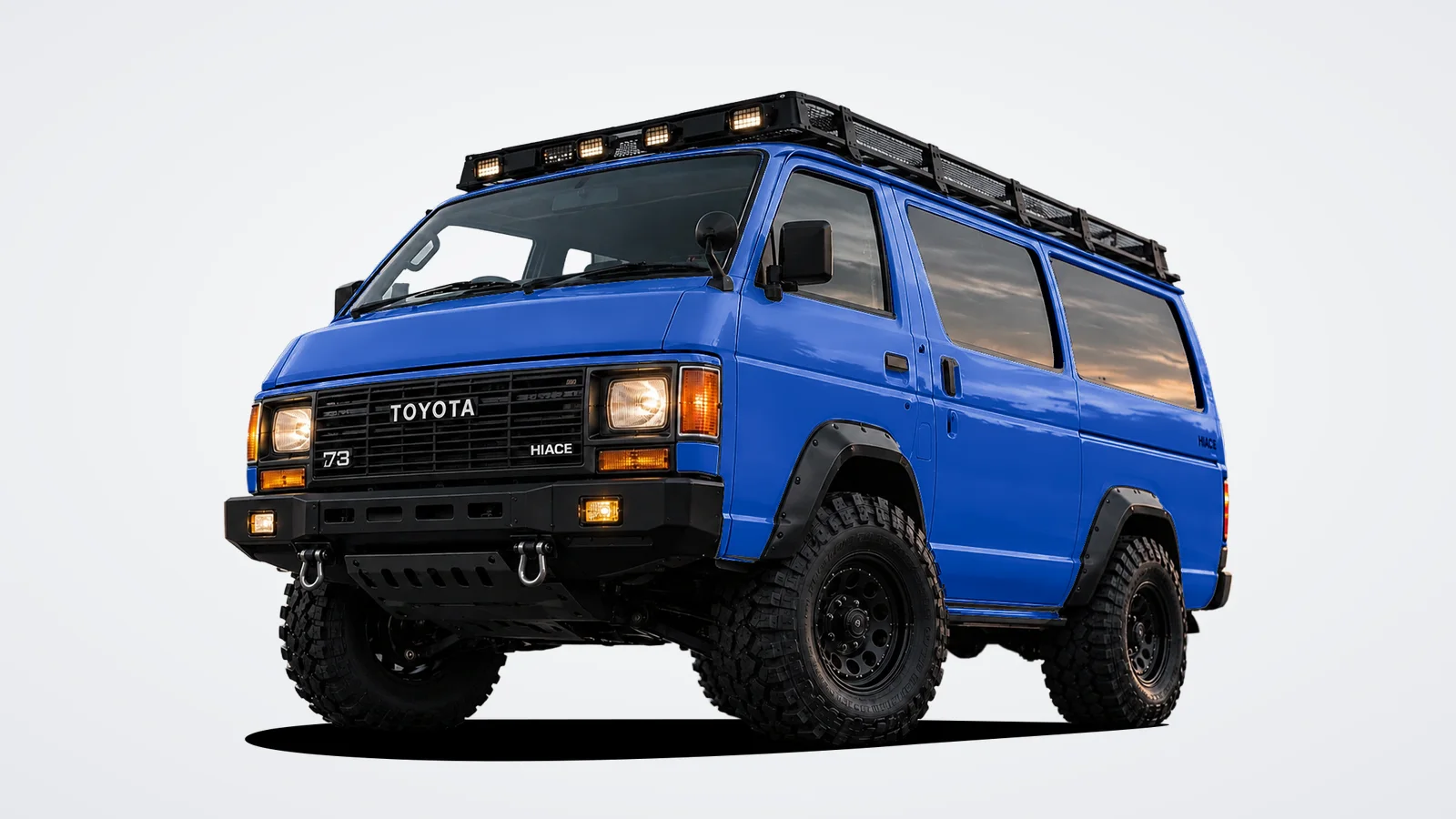
| Van / commercial | Large flat surfaces | Brand colors, two-tone splits |
Show more than one angle
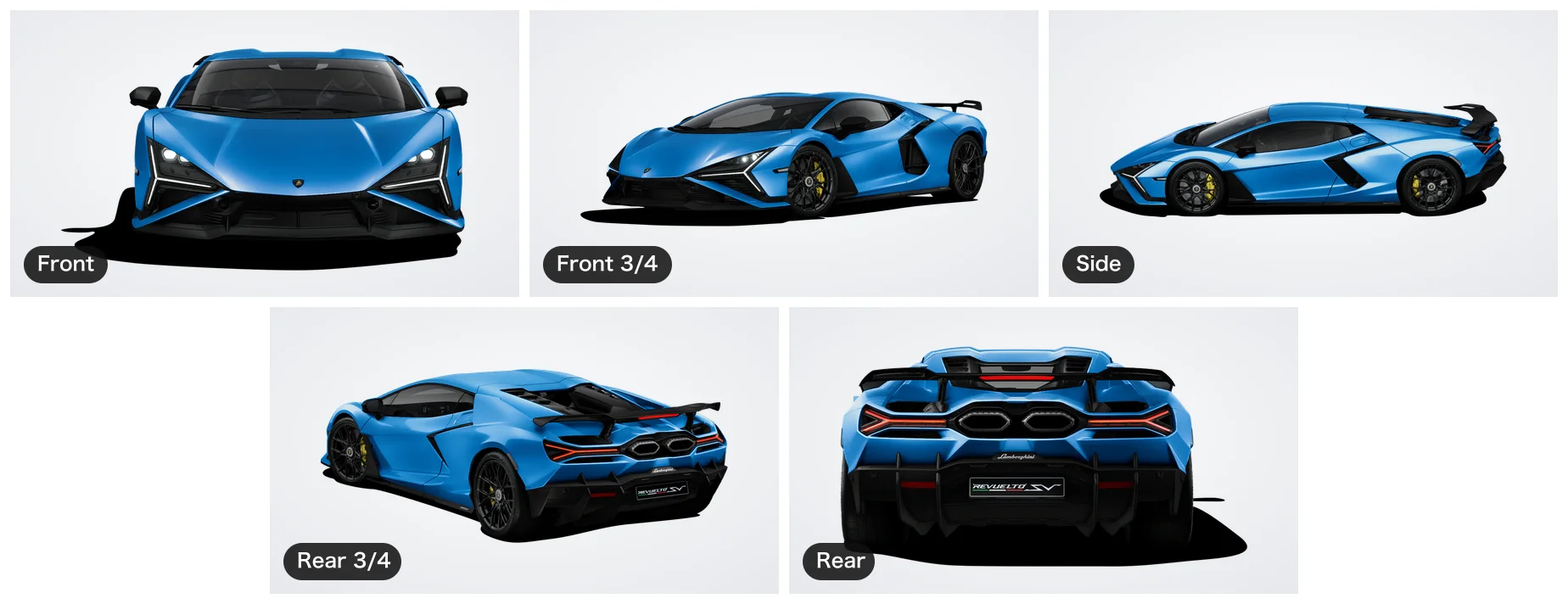
A supercar shines from the rear three-quarter, an SUV from the side, a van from the front. Offering several views lets customers check the color from the angle they actually see their car.
Show it on a model close to theirs
Swatches and portfolio shots of other cars only go so far. If your visualizer has the models you wrap most often, customers can try colors and finishes on something close to their own car.
- Add the vehicles you get asked about most often first
- Cover different shapes: SUV, sedan, sports car, van
- Prepare suggested color sets for each vehicle
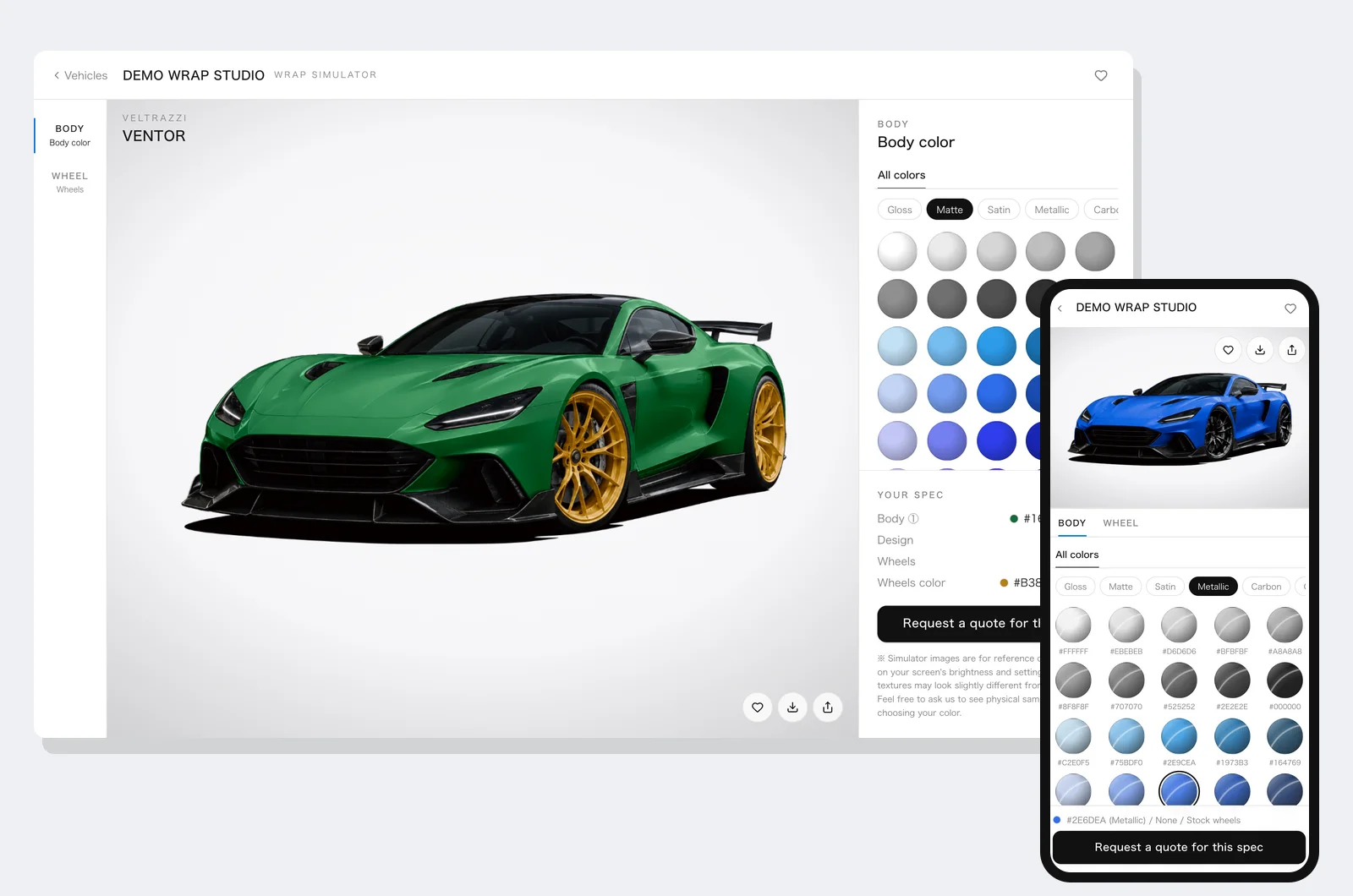
Add the vehicles you wrap most and show customers a preview close to their own car.
FAQ
- Q. Does the same wrap color look different on different cars?
- A. Yes. Large flat panels make the color dominant, while curvy bodies show more light and shadow, which makes the finish more noticeable.
- Q. What if the customer's model isn't in the visualizer?
- A. Use the closest shape to choose a direction, then confirm with a physical sample on the car. Add frequently requested models over time.
- Q. How many vehicles can I add to Simulator Studio?
- A. Up to 20 on Light, 100 on Standard and unlimited on Premium (3 during the free trial).